Make / An event promotion pack
One event.
A flyer and a social post.
Use free Inkscape to change the artwork, export PDF and PNG, and keep an editable original for next time.
A fictional starting point. Replace every event detail and the demo QR before use. The pack does not book, host, post or print anything.
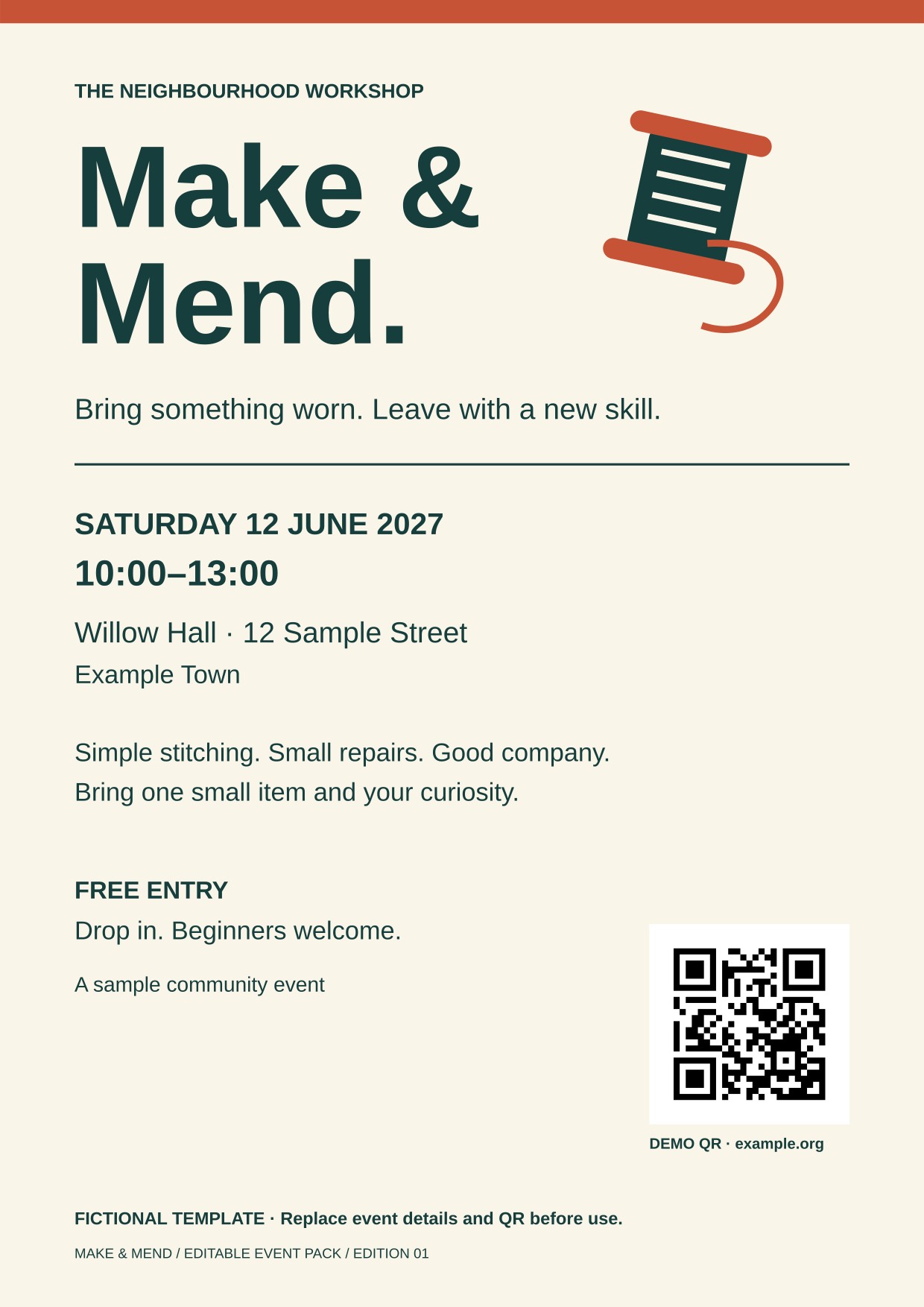
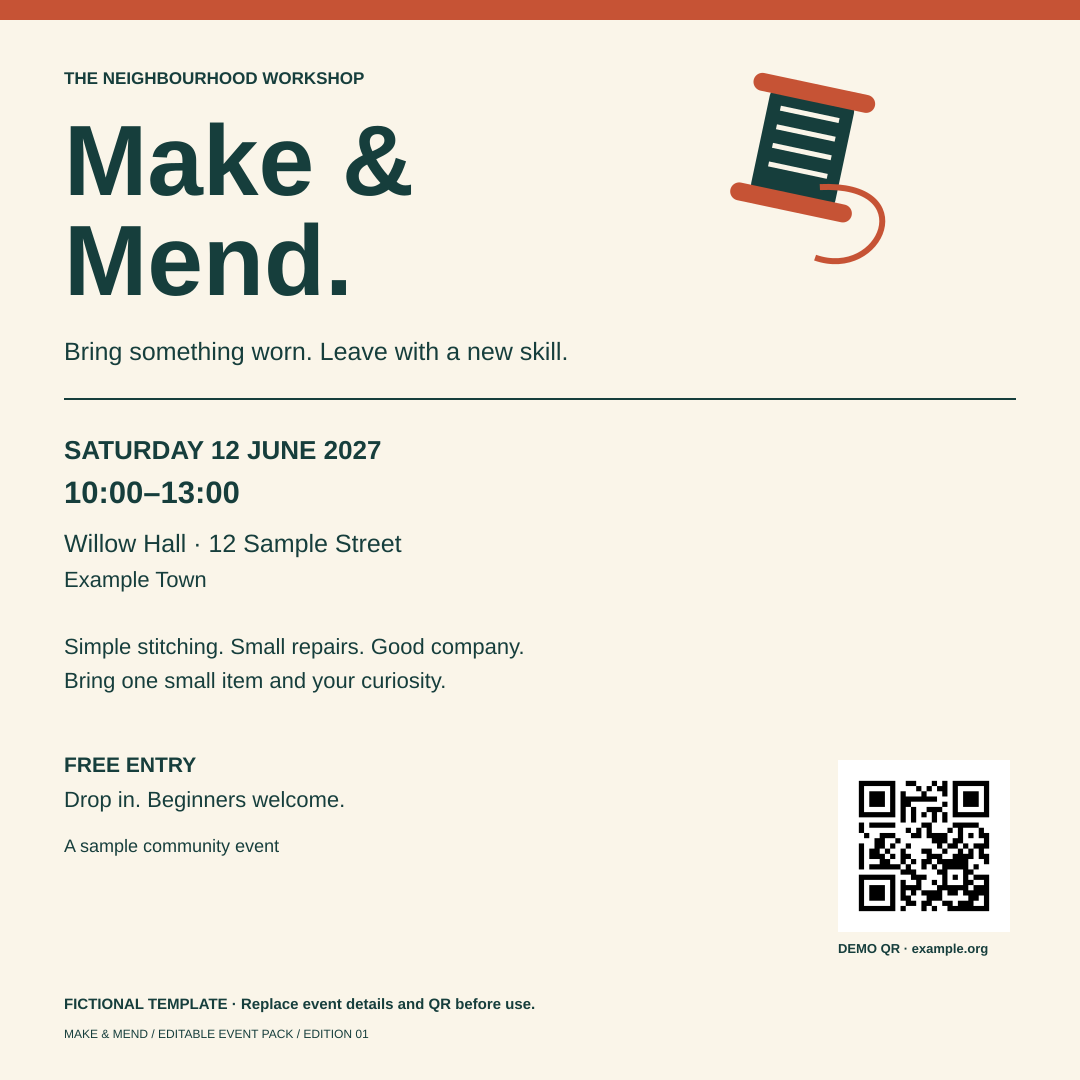
Your route to a finished result
Edit. Check. Keep a way back.
Start with the facts and save your own copy.
Decide the event title, date, time, venue and public information link first. Plan the gathering → Then open the original flyer in Inkscape and choose File → Save As with a new SVG filename. Keep the supplied original.
Fonts and first setup
These layouts use Liberation Sans. Fonts are not bundled. If Inkscape substitutes a font, choose an available font and inspect every line in both layouts before exporting; the appearance may change. The tested desktop version was Inkscape 1.4. Menu labels can differ by version. A phone is useful for checking the QR, but this is a desktop-editing route.
Change both layouts.
Use the Text tool to edit the visible words, not document metadata. Replace all fictional details and the sample footer. Change the top colour strip with the Selector and palette. Open the square SVG, save a new copy and repeat the same changes.
Avoid a mismatched poster and post
The two SVGs do not synchronize. Compare their date, time, venue and destination side by side. Text does not automatically reflow: shorten long lines, change their size or reposition them without obscuring other content.
Replace the code, not just its caption.
The supplied QR opens https://example.org/, not an event page. Make a QR for your public HTTPS address → Download its SVG and editable JSON, then replace the old QR group in each layout.
Import and check the new QR
Use File → Import in Inkscape and choose editable objects if prompted. Keep the QR grouped, square, black on white and surrounded by its full white margin. Changing the printed caption cannot change the encoded address. Scan the actual exported image, compare the entire destination before opening it, and test the final print. A static printed code cannot be updated later. Never encode private access links or secrets.
Export, close and reopen.
Keep both SVG masters. Save a PDF copy of the A4 page; use File → Export with Page selected for PNGs. Open the outputs and inspect them. Close and reopen your saved SVG, make one small change and export under a new name.
Output and print checks
The supplied flyer PNG is 1240 × 1754 pixels; the social PNG is 1080 × 1080. The flyer PDF is A4 with embedded fonts. These are not PDF/X, CMYK, bleed or printer proofs. Check your printer’s requirements and a physical copy before distribution. Keep an earlier version until the new one is correct.
Optional: keep one reusable piece
One transparent image. Both layouts.
The spool from this event pack is also available on its own. Keep its editable SVG, export a transparent PNG once, then import that same saved PNG into your flyer and square post. The examples below replace the existing spool in each layout, rather than adding another emblem.
- Open the editable spool SVG in Inkscape. Save your own copy before changing its shapes or colours.
- Export the page as PNG with the background alpha set to zero. The supplied transparent PNG is 720 × 800 pixels; the empty margin is intentional.
- In each layout, replace the old spool with the same PNG using File → Import and choose Embed if prompted. Keep the proportions locked, then size and position it clear of the event details and QR.
- Save each SVG, close and reopen it, then export the A4 PDF and square PNG. Inspect the image edges and contrast in both outputs. These layouts do not synchronize: a later artwork change needs a new PNG imported into both.
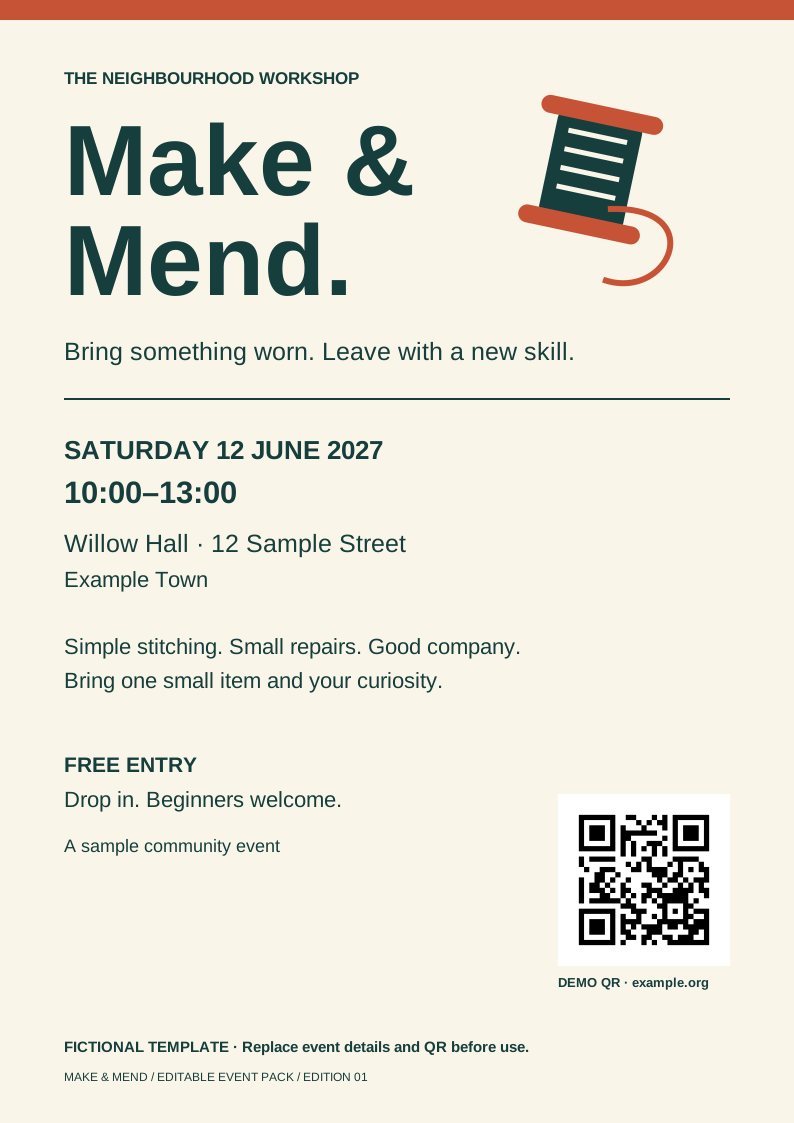
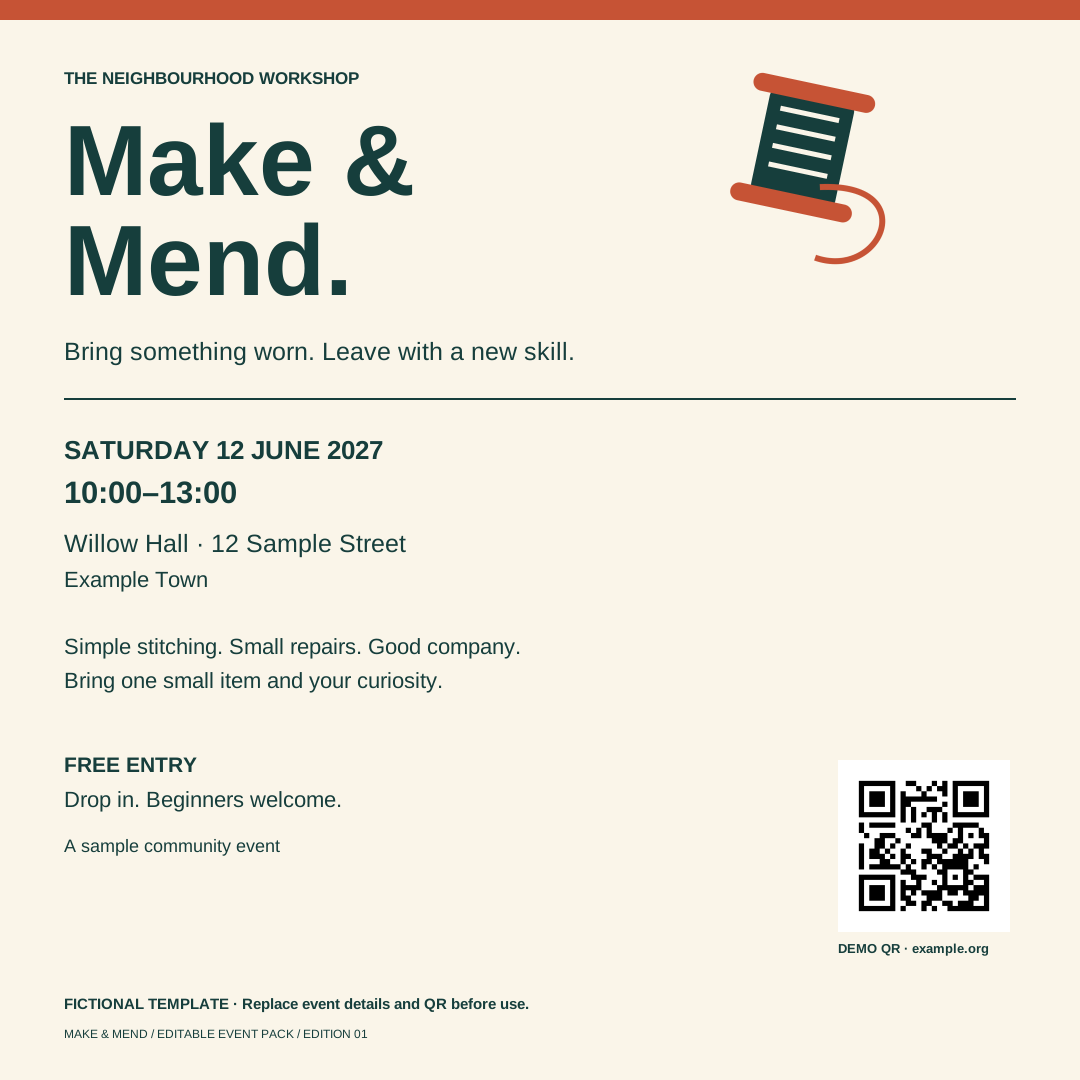
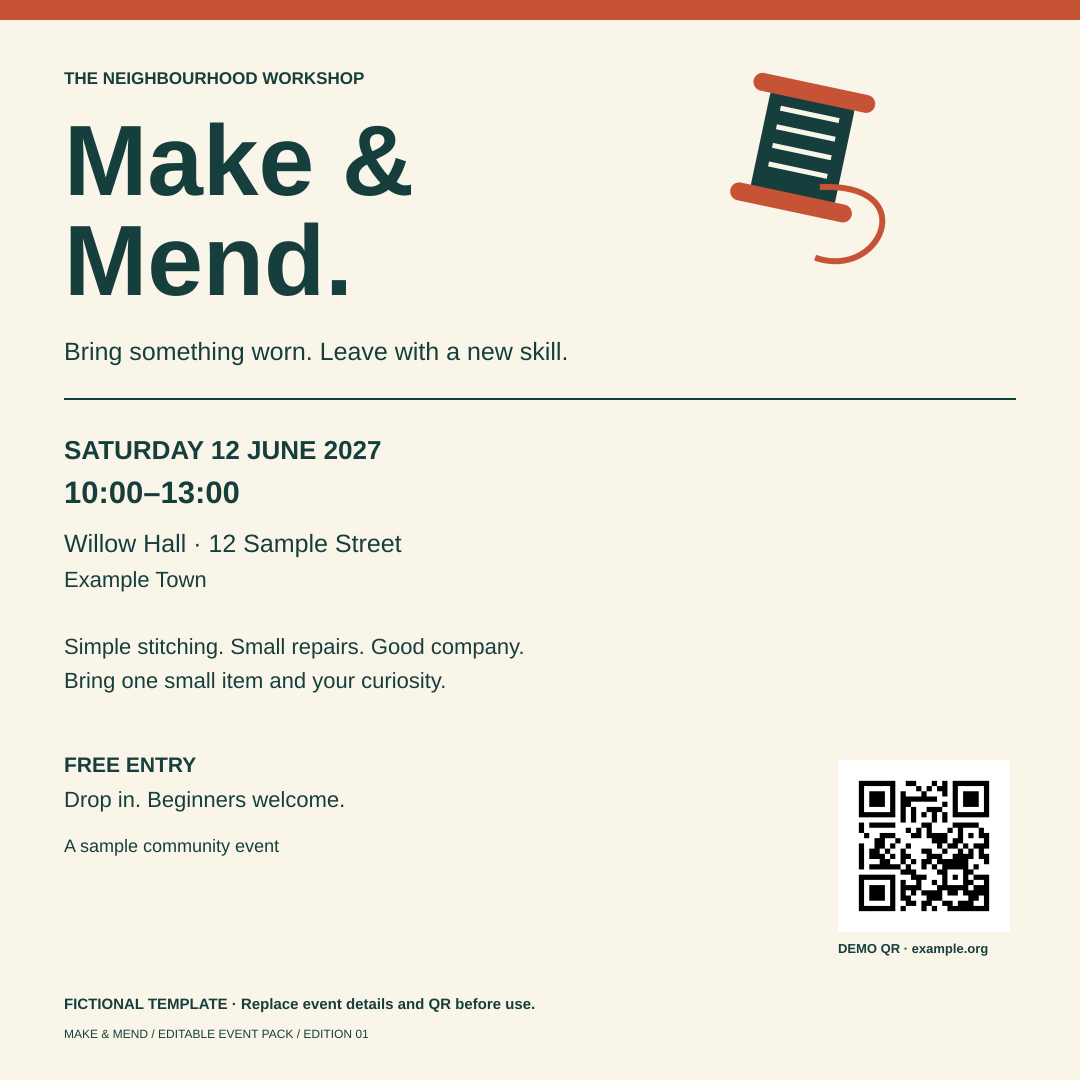
Flyer with embedded spool (SVG) · A4 PDF · Social layout with embedded spool (SVG) · 1080-pixel PNG
What this proves, and what it does not
Inkscape's command-line interface saved the spool and both layouts, reopened the saved files in new processes and exported PNG/PDF outputs. The same PNG bytes are embedded in both layouts; text, QR destination and rendered outputs were checked. This is not evidence of a beginner completing the graphical menus, browser downloads, phone scanning or physical printing.
This route draws on the existing pack's artwork and licence. It does not clear a business name or trademark. No new software install, account or paid plan is needed for these local exports if Inkscape is already available.
Canva's transparent design export is plan-limited, with eligible Education/Nonprofits access among the options. Canva also offers free background removal and transparent PNG downloads, subject to its current limits. These are different jobs; this example does not remove a photograph's background or establish feature parity.
You know this is free, right?
You do not need an Illustrator subscription just for this job.
The free route
Inkscape gives you editable vector artwork and local PDF/PNG exports. This pack supplies the starting designs and a route back to your editable files.
Adobe Express also offers a free flyer maker. Choose the workflow that fits; free flyer creation is not exclusive to this Hub.
The trade-offs
Desktop setup and learning take time. This is not Illustrator feature, plugin, file or team-workflow parity. Printing and hosting can cost money.
Illustrator offers a time-limited trial and paid membership. Check existing access before buying anything. No personal savings amount is claimed.
Choose the files you need.
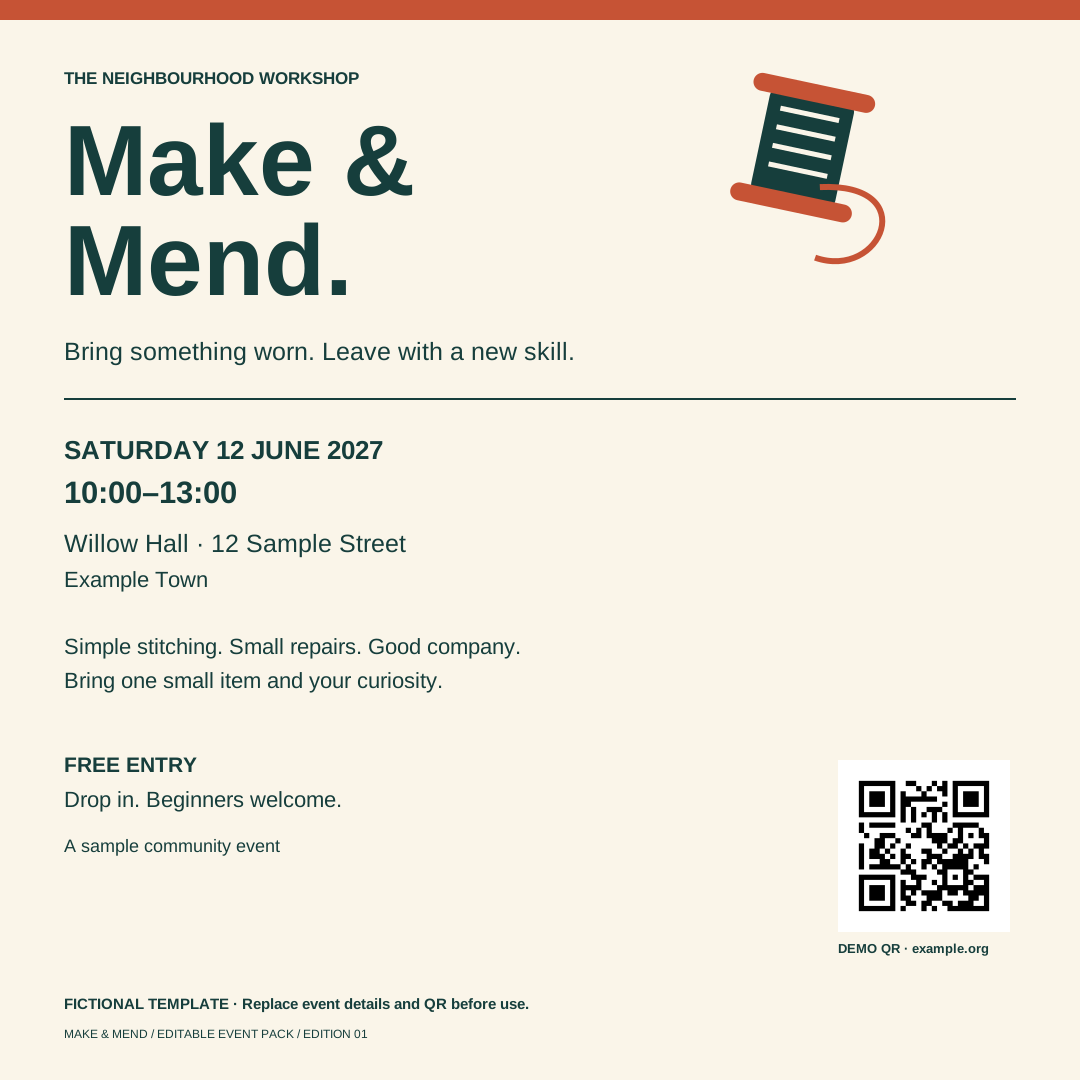
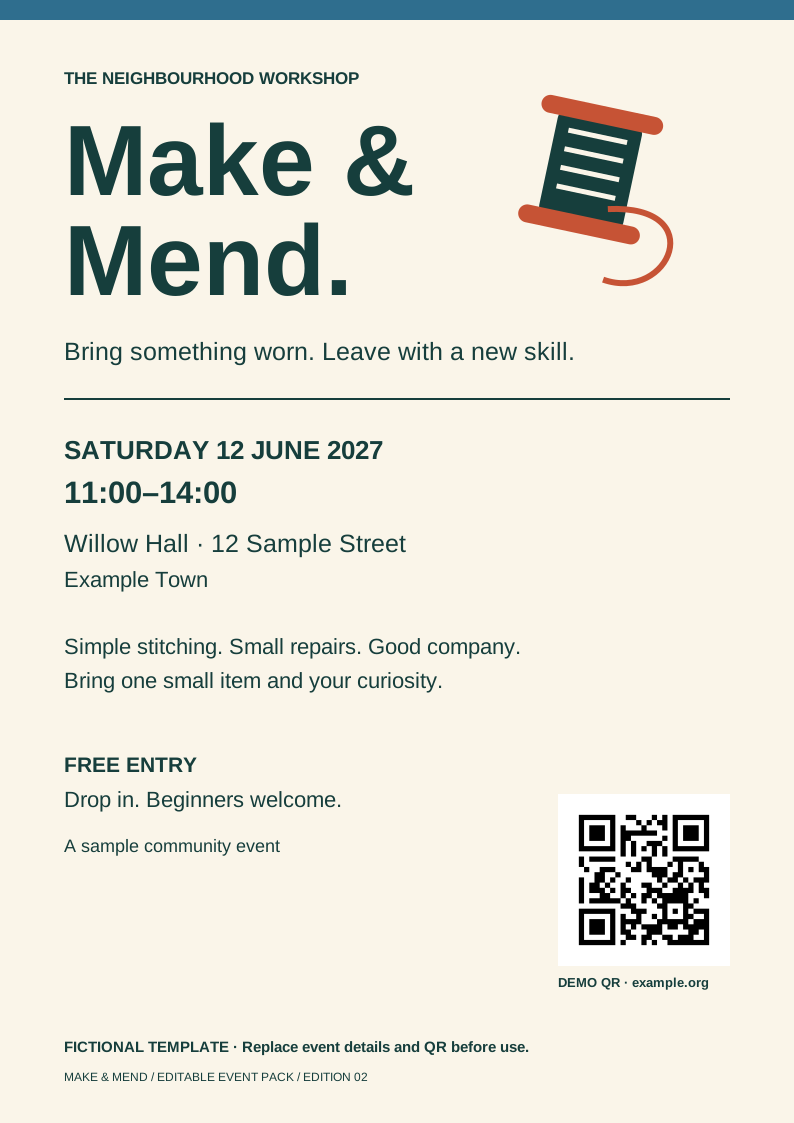
Compare a revision
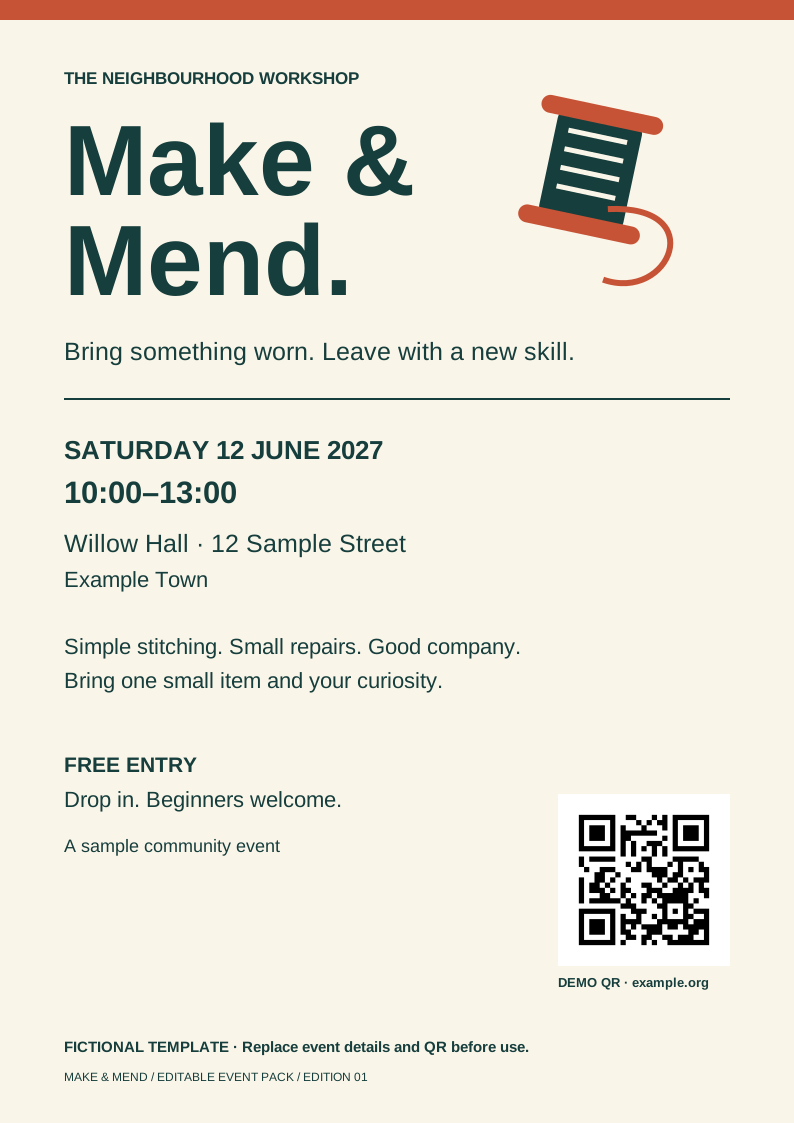
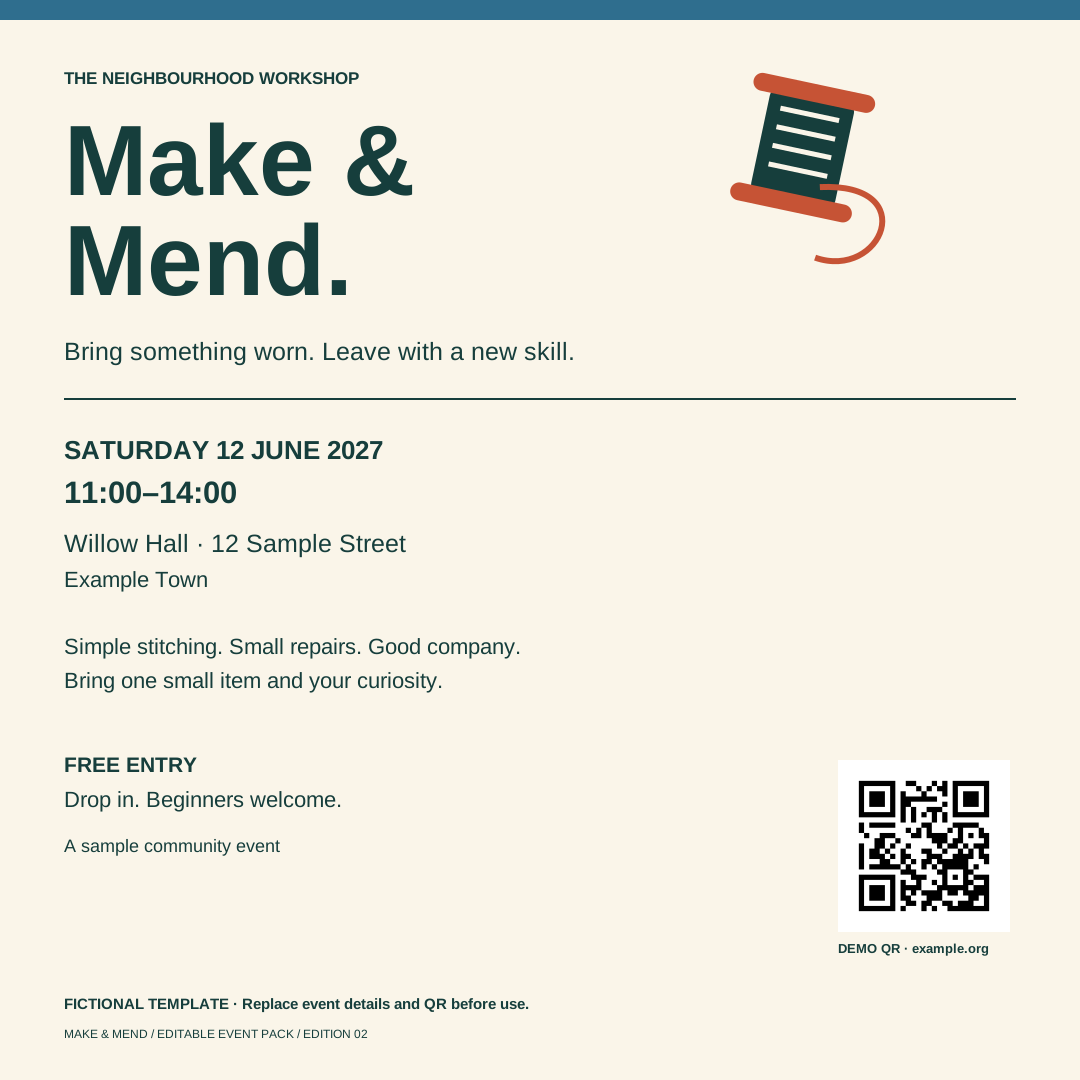
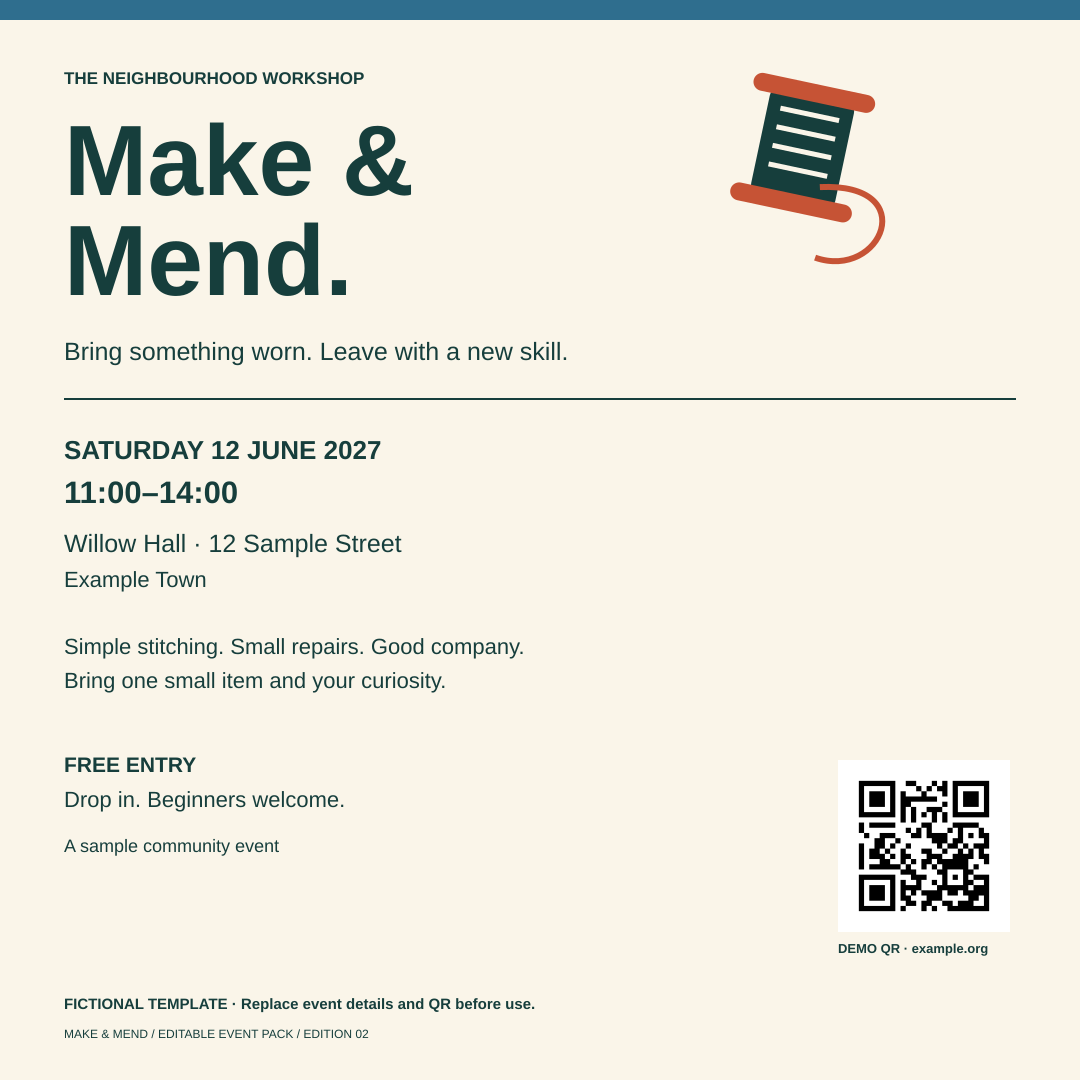
The revised pair changes the time and top strip colour. These are examples, not your saved work.
What has been checked?
Inkscape saved and reopened the supplied SVGs and produced the PDF/PNG files. Their text, dimensions and decoded QR address were checked, and the rendered outputs were inspected. The sample time change was made in source; colour editing used Inkscape’s native commands.
Not yet proven: a beginner completing the whole graphical workflow, browser downloads, phone scans, physical printing or assistive-technology use. Graphical editing and saving have not been fully tested.
Artwork and software licences → · Only need a simple browser poster? →